
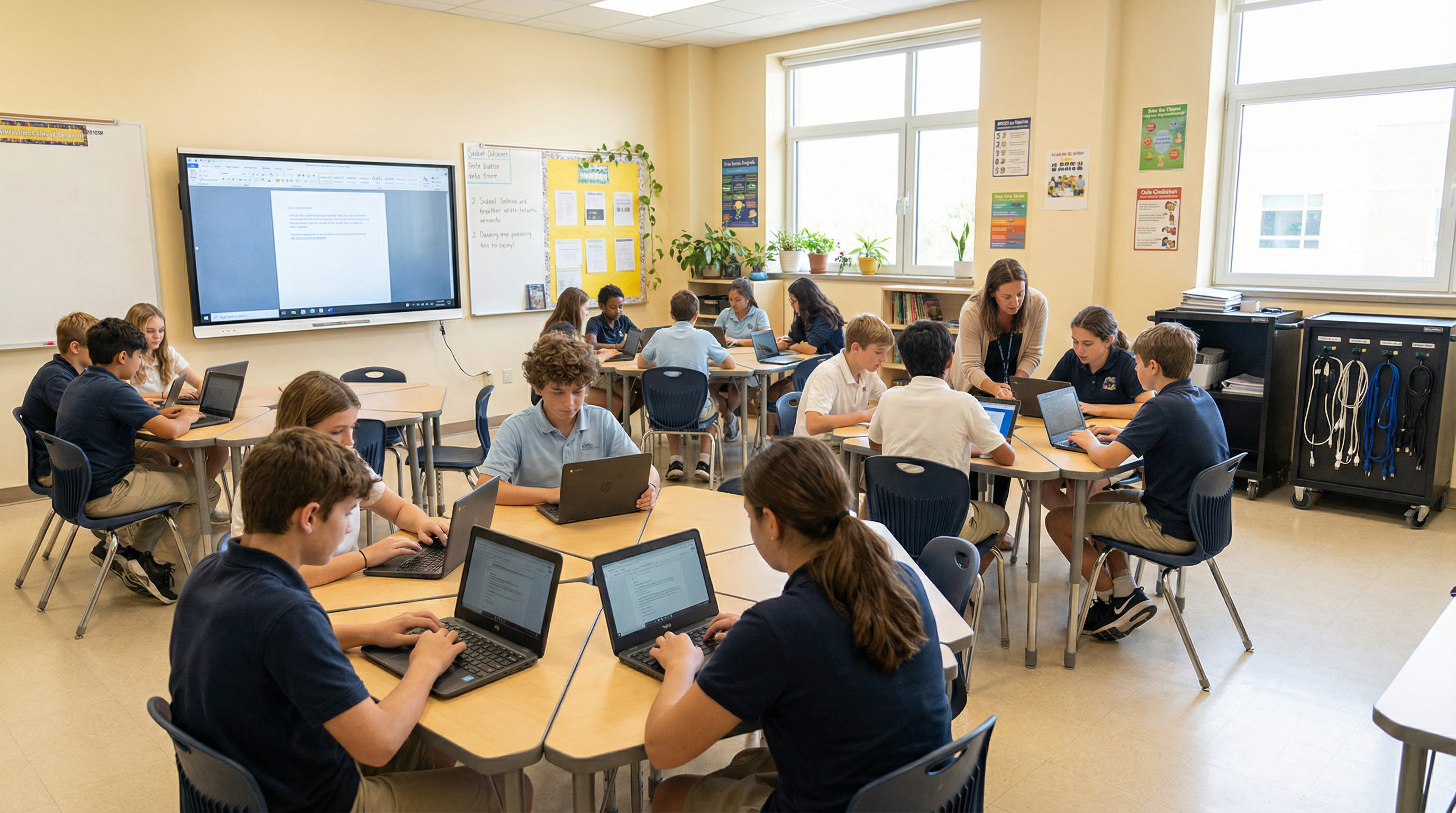
Give Your District Reliable Technology Without the Procurement Headaches
K–12 districts work with Safari Micro to source devices through TIPS and Mohave cooperative contracts, manage student endpoints at scale, and keep IT operations running without distracting staff from instruction.
For: Technology Coordinators, IT Directors, Superintendents, Business Managers
K–12 procurement and technology expertise
K–12 IT Challenges We Solve
School districts face unique technology challenges that require specialized expertise in procurement compliance, student data protection, and budget-constrained operations.
Device Refresh Cycles
Managing multi-year device refresh cycles with limited budgets and procurement compliance requirements.
Cooperative Purchasing Compliance
Ensuring all technology purchases comply with public procurement laws without lengthy RFP processes.
Limited IT Staff
Supporting hundreds or thousands of students and staff with minimal internal IT resources.
Security & CIPA Compliance
Meeting CIPA requirements, protecting student data, and maintaining appropriate content filtering.
Remote & Hybrid Learning
Supporting students and staff working from home with consistent, secure access to school resources.
Budget Forecasting
Planning multi-year IT budgets with accurate cost projections for hardware, software, and services.
Solutions for K–12 Districts
Safari Micro provides a full range of IT solutions designed for the K–12 environment — from procurement to ongoing operations.
Device Procurement (TIPS/Mohave)
Source student and staff devices through pre-competed cooperative contracts, subject to your district's procurement requirements.
Learn moreEndpoint / Intune Management
Standardized device management with Intune policies and compliance baselines for all devices.
Learn moreManaged IT Services
Helpdesk and infrastructure support for districts with limited internal IT staff.
Learn moreMicrosoft 365 for Education
Governance-first M365 deployment with student/staff licensing and compliance controls.
Learn moreSafariDesktops for Education
Cloud desktops for students on any device — including personal Chromebooks and iPads.
Learn moreIT Lifecycle Planning
Multi-year refresh roadmaps and budget forecasting aligned to your school year and fiscal calendar.
Learn moreCooperative Purchasing for K–12
Safari Micro participates in cooperative purchasing contracts specifically designed for K–12 districts — allowing you to purchase technology and services without a competitive bid process while maintaining full procurement compliance.
Typical K–12 Procurement Timeline
IT Assessment
Week 1–2Inventory current devices, identify refresh priorities, define standards
Quote & Contract Selection
Week 2–3Receive TIPS/Mohave-compliant quote, confirm contract vehicle
PO & Order
Week 3–4Issue PO against contract, confirm delivery schedule
Imaging & Deployment
Week 4–8Devices imaged, enrolled in Intune, deployed before school year
K–12 Outcomes
View All Case StudiesBuy IT + Onsite Services
Challenge
K–12 district needed to refresh wireless access points across multiple facilities with accurate device tracking
Result
200 access points installed, asset tagged, and legacy units removed across all district locations.
Managed IT Services
Challenge
District with limited IT staff needed helpdesk and infrastructure monitoring for 1,200 users
Result
Tier 1–2 helpdesk deployed in 3 weeks with full documentation and proactive monitoring.
Microsoft 365 + Email Migration
Challenge
Public-sector education organization needed to migrate from on-premises Exchange to Microsoft 365 while maintaining mail flow, calendar availability, and operational continuity throughout the transition
Result
Hybrid Exchange migration completed with coexistence validated, public folders migrated, mail flow cut over to Exchange Online Protection, and DNS records updated — with full documentation and knowledge transfer.
Infrastructure Modernization
Challenge
K–12 education organization needed to replace aging hypervisor infrastructure and legacy server workloads with a modern, stable hyperconverged platform
Result
New Dell VxRail cluster deployed, supported VMs migrated from legacy hosts, modern Windows Server instances staged, and foundation created for future backup and security phases.
Secure Virtual Desktop Pilot — SafariDesktops
Challenge
Education-sector organization needed a controlled virtual desktop environment for a small pilot group while establishing the cloud desktop foundation for future operations.
Result
SafariDesktops pilot deployed for 5 users with Azure AD DS, FSLogix profile storage, Safari-customized Windows 10 image, custom security configuration, performance monitoring, and ongoing managed support.